Never share the wrong screen again.
Stagehand puts a curtain between your screen and your audience. Drop it when you’re setting up or switching views and your desktop, notes, and slides stay backstage. Raise it and you’re live. No more “whoops, wrong window!” moments!
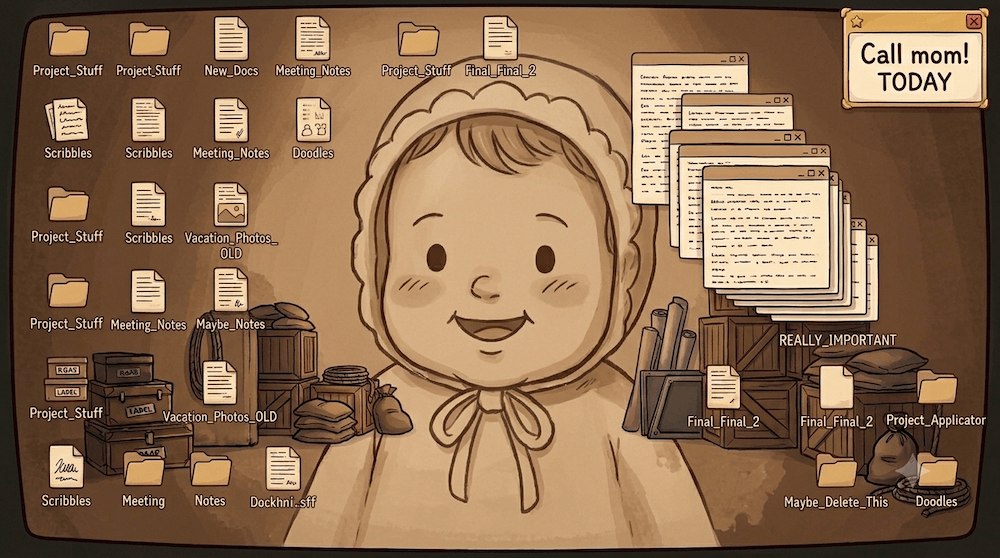

Switch between the windows and raise/drop the curtain to see how Stagehand keeps what the audience sees, what you want them to see!
Stagehand: Your professional presentation manager
Sharing with only one screen? Presenting in front of a crowd on a big screen? Without Stagehand, your display could suddenly show something you didn’t intend. With Stagehand, it’s whatever YOU choose, when you choose it.

Without Stagehand
Stagehand Output
Switchboard

With Stagehand
Stagehand Output
Switchboard
Without Stagehand
With Stagehand
How it works
Three steps to a worry-free screenshare or presentation, no rehearsal needed.
Pick your source
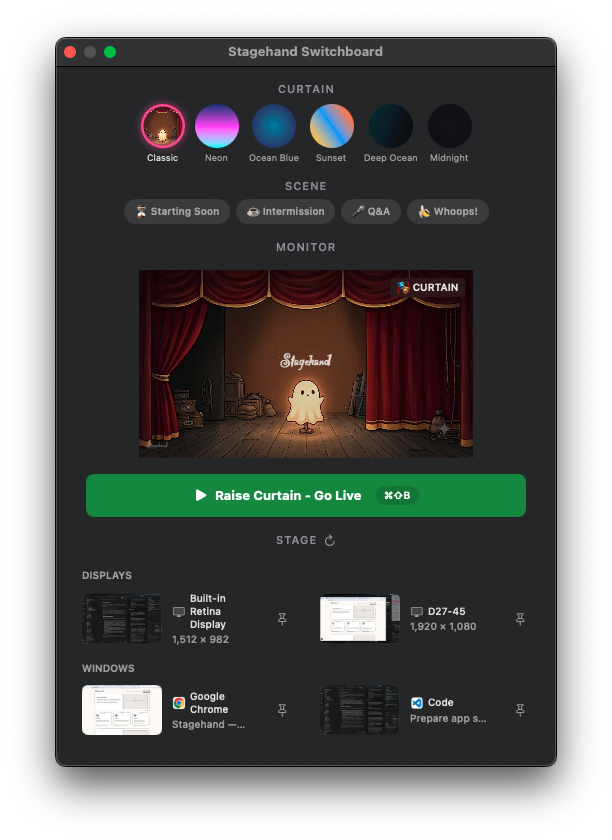
Choose your “Stage” - the window or your whole display via the Stagehand switchboard.
Share “Stagehand Output”
In Teams, Meet, or Slack, you share the Stagehand Output window to control what the audience sees.
Raise or drop the curtain
Click the button or hit ⌘⇧B. Curtain down = private, Curtain up = live.
Stagehand in action
Stagehand is loaded with features that help every screenshare run without a hitch.
The Switchboard
Control the output window's appearance in every aspect. Pick a source (aka Stage), watch the confidence monitor as you present, and control the curtain, its style, and your scenes all from one window.
Curtains
Six built-in styles, plus your own gradient or image curtains with Pro.
Scenes
Starting Soon, Intermission, Q&A, or write your own and pin up to six.
Sources
Live thumbnails for every window and display, with two pinned for quick access.
The Mini-Switchboard
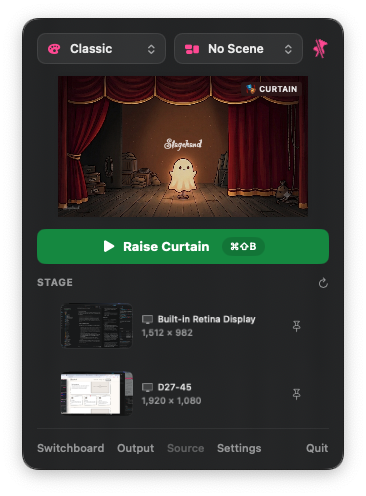
The same controls as the big Switchboard in a compact menu-bar popover. You can even pin it as a floating panel and it remembers which display it lives on, so you have control no matter your setup.
Make it yours
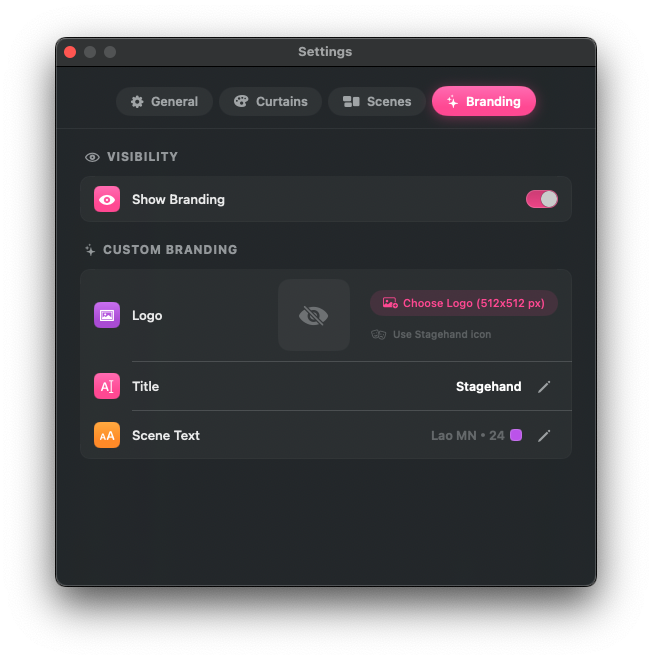
Stagehand is made for both the everyday screenshare AND the big show. Embed your personality or brand in Stagehand view by configuring custom Curtain images, add your name and logo to it, and choose custom fonts and colors: dress the curtain up as much (or as little) as you like.
Optimize for however you're presenting
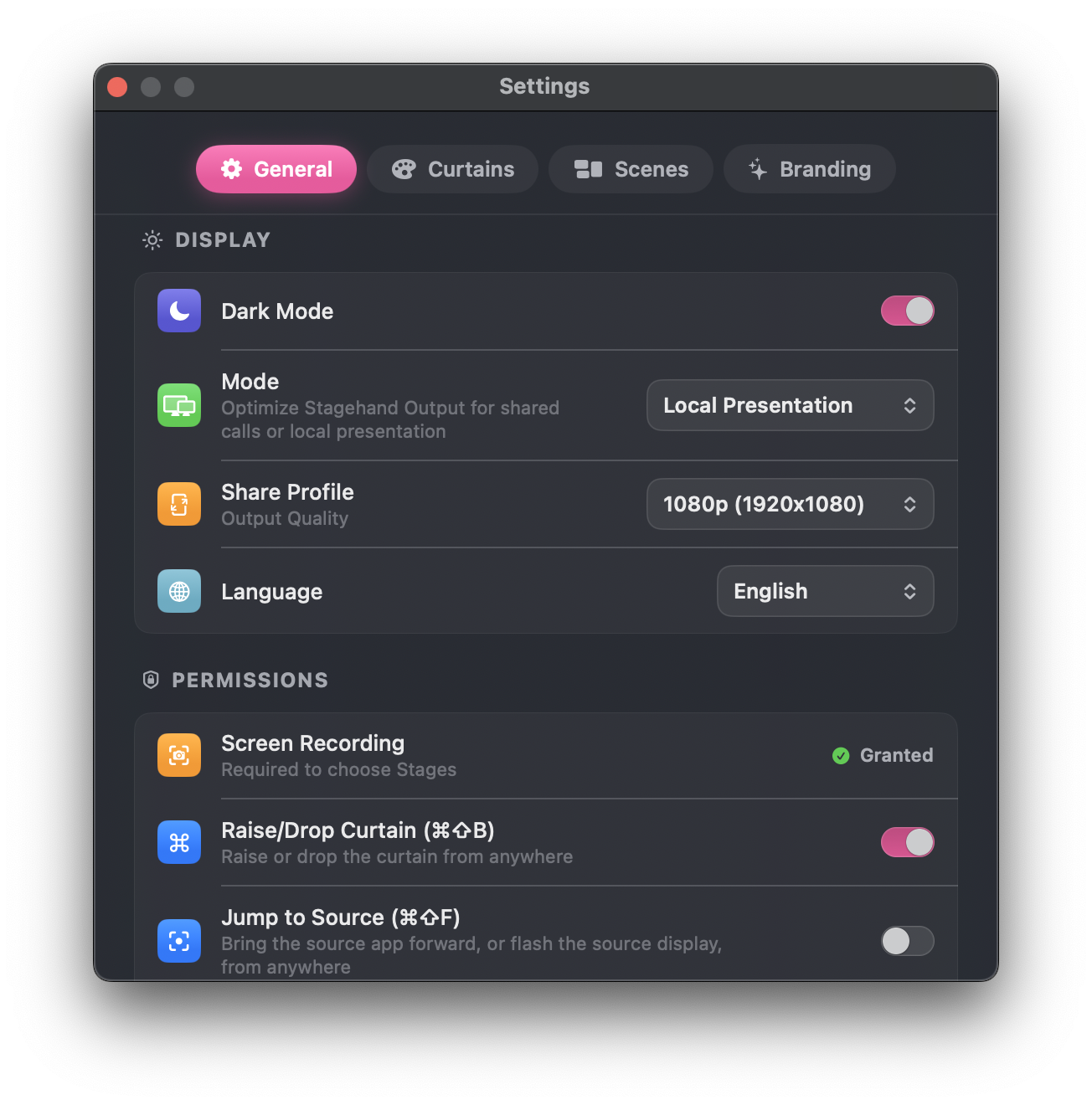
IRL, hybrid, one-screen, online only? Use the Stagehand settings to keep computer performance high no matter the crowd.
Pricing for every presenter
Use Stagehand to instantly professionalize your everyday presentations. Upgrade to Pro for maximum customization at one purchase, no subscription, yours forever!
Standard
Free
Free, forever. Beautiful, professional, at no cost!
Capture
- A dedicated Output window that’s always camera-ready
- Your controls stay off-screen, your framing never slips
- Detects new sources automatically, with your top 2 pinned for instant switching
Curtain
- 6 built-in looks, subtly animated on newer Macs
- Unlimited custom curtains, gradients included
- Show or hide the Stagehand logo, your call
Scenes
- Ready-made scenes for Starting Soon, Intermission, and Q&A
- Build as many scenes of your own as you like
- Pin up to 6 scenes for one-click switching mid-show
Switchboard
- See exactly what your audience sees, before you switch
- Live thumbnails make picking the right source effortless
And more…!
- Lives quietly in your menu bar, light or dark, ready when you are
- Playful sound cues, on or off, your call
- Speaks your language — English, German, French, Spanish, Italian
Pro
€9.99
One-time. Yours for you to encore forever.
Everything in Standard, plus top billing for your own name, logo, and style: full branding control, right down to the curtain.
Branding
- Turn any photo or graphic into your curtain background
- Your name, your font, your size — right on the curtain
- Match colors to your brand, down to the title text
- Drop in your own logo, one click to revert anytime
Ready to run the show?
Get Stagehand free on the Mac App Store. Upgrade to Pro for €9.99, a one-time purchase with no subscription.
Get on the App Store (it’s free)macOS 14+. Screen Recording required.